
Royal Palace Gate
Too bad you can’t take photos inside the palace, so here is one from outside :) But it was nice of them, that in the evening, you don’t have to pay for entrance. (if you are from the EU that is :) )



Free HDR video tutorial
MASTER EXPOSURE BLENDING

Find the best ones
TOP PHOTOGRAPHY SPOTS

Free wallpapers
HIGH-RESOLUTION WALLPAPERS
Too bad you can’t take photos inside the palace, so here is one from outside :) But it was nice of them, that in the evening, you don’t have to pay for entrance. (if you are from the EU that is :) )
I was in the Almudena Cathedral during the day, but somehow I missed that there is also a crypt under it. I noticed a sign later in the evening, when I was already returning slowly to the hotel. It’s really a stunning place. I was the only one there at the time, so nobody was in the way and they have no problems if you use a tripod there.

You can check the price for the Promote Control on Amazon Store
So I just got the Promote Control remote for my camera, and I decided to write down some experiences I had with it. The decision to buy one fell quite some time ago, but I waited until I get a new camera, so I have it compatible.
I will focus on the HDR side of things, as that is my main reason for this remote.
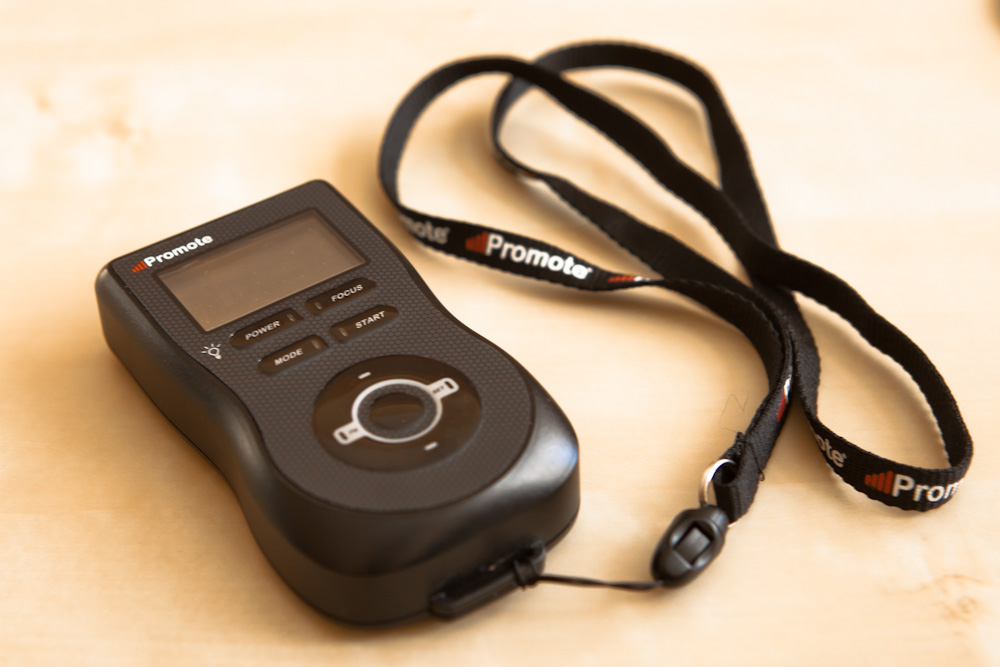
In the oversize packaging you get few thing. The remote, manual, remote to pc usb cable, remote to camera usb cable, carrying case, batteries and a neck strap. I also ordered the separate shutter button for my camera so I can use the long exposures. I immediately connected it to my camera to try it out. I seen few instructional videos, so I didn’t bother reading the manual. The first test was a complete failure. The remote could not find my 5D mark II.
So after little searching I decided to update the firmware. Updating to the last version had a partial success, the remote found my camera. But it still could not take the shots. So I updated once more to the latest beta firmware, which did the trick.
So once it worked I went out to take few test shot series. I have to say, it’s a pleasure to use, once you get the hang of it. What you need to do is:
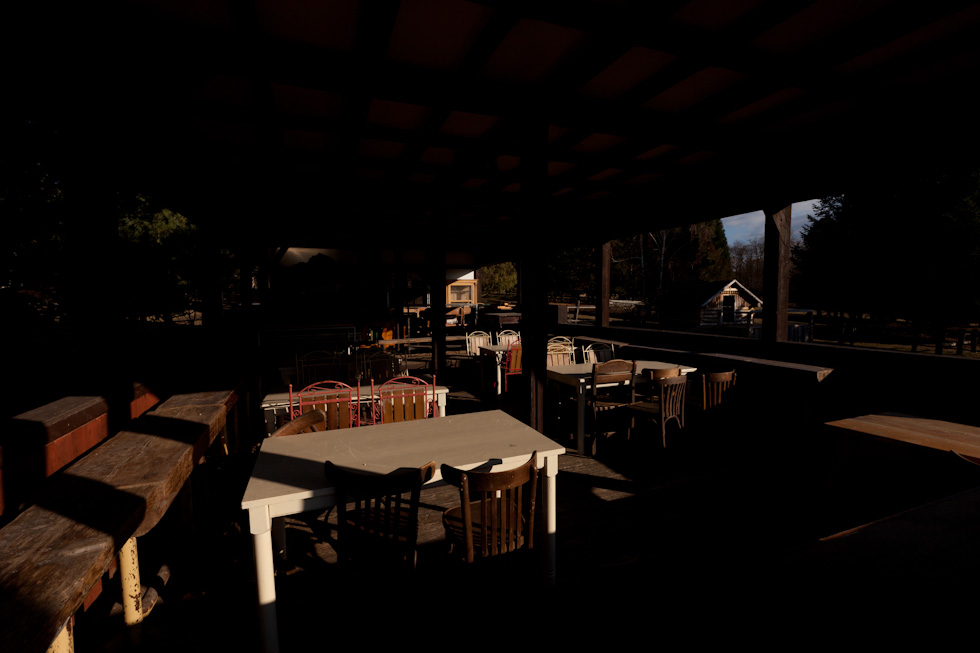
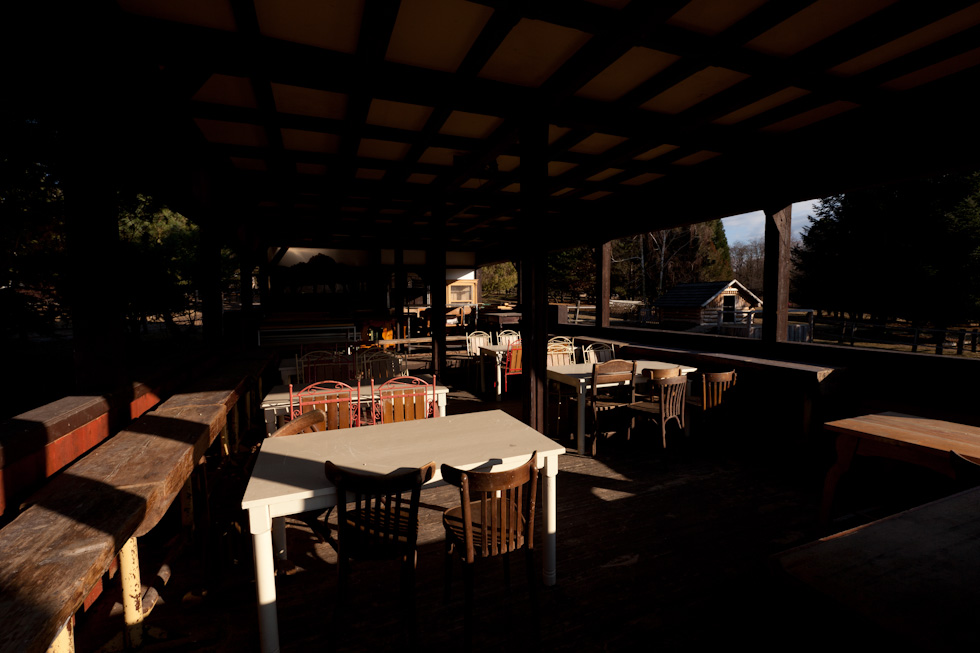
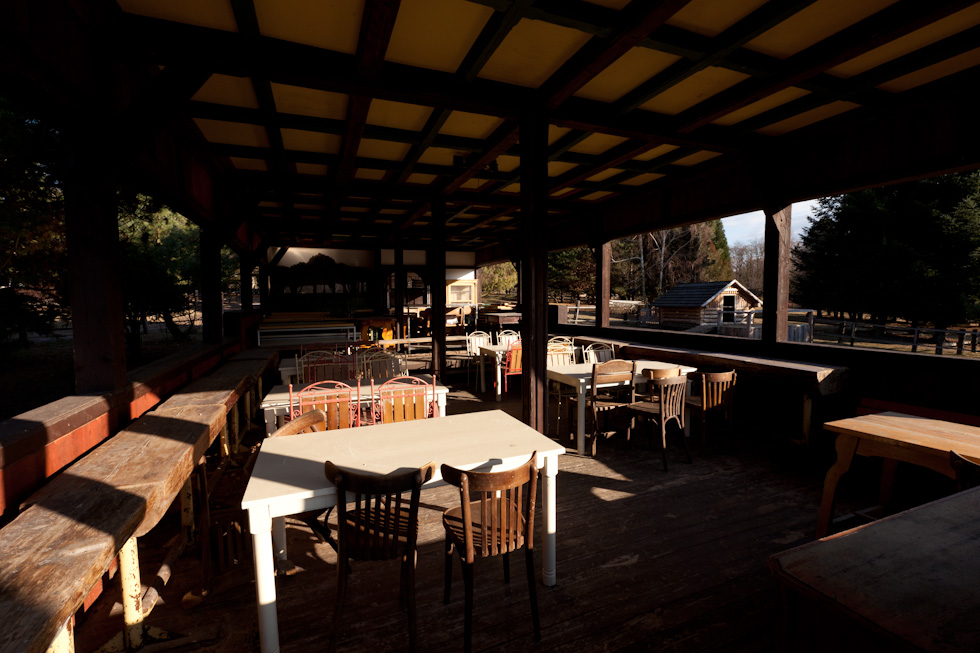
When you take your shots during the day, the USB cable is enough. For night shots you should have the separate shutter cable. When the remote detects that the next shot will be longer than 30s, it will stop and asks you to switch into the bulb mode. You should really check your settings before you take a sequence like this, so you have the same aperture and ISO settings in both modes. And definitely turn off auto-ISO.
It’s great that the Promote shows you the times of the slowest and fastest shutter speeds. You don’t have to count in your head, if you are in the 30s limit, as now you have no limit. You can go as high as you need. I suggest you set (setting 20 of 26), that you can turn on backlight while exposing. It’s nice if you are able to check how long you have to wait (especially by night shots).
If you have the shutter cable, you can also turn on mirror lock-up. I did this only with night shots, and only when I had a lot of time. It requires to turn this function in custom setting of your camera, so I will probably try to create a custom mode to use this.
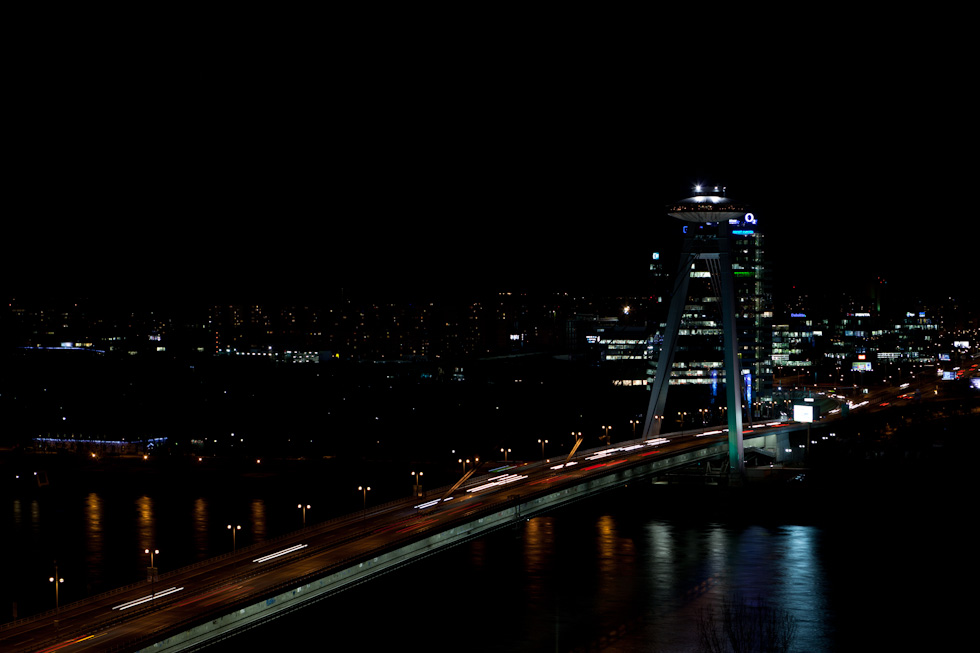
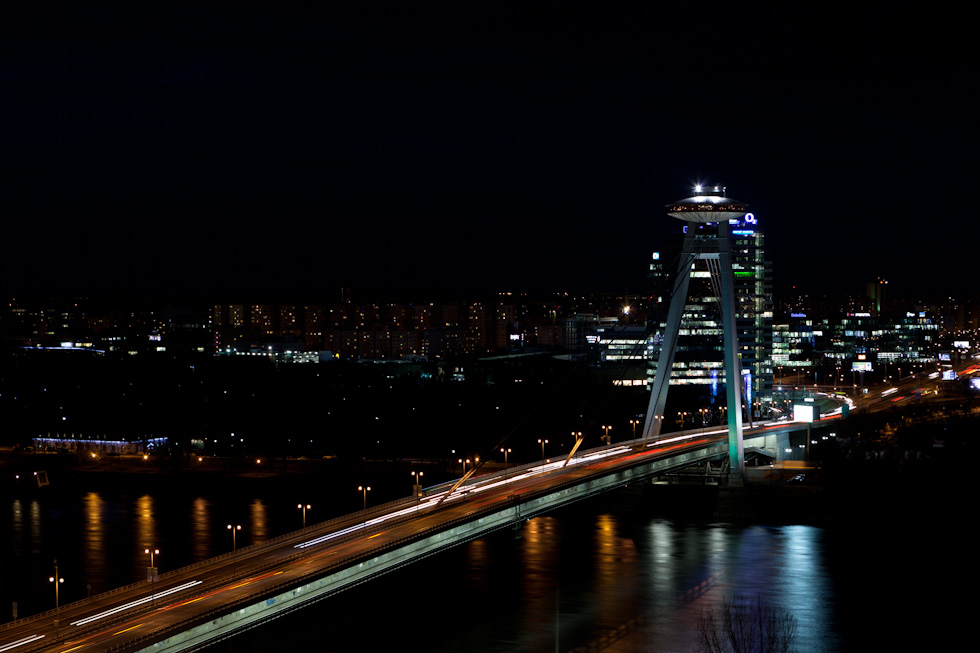
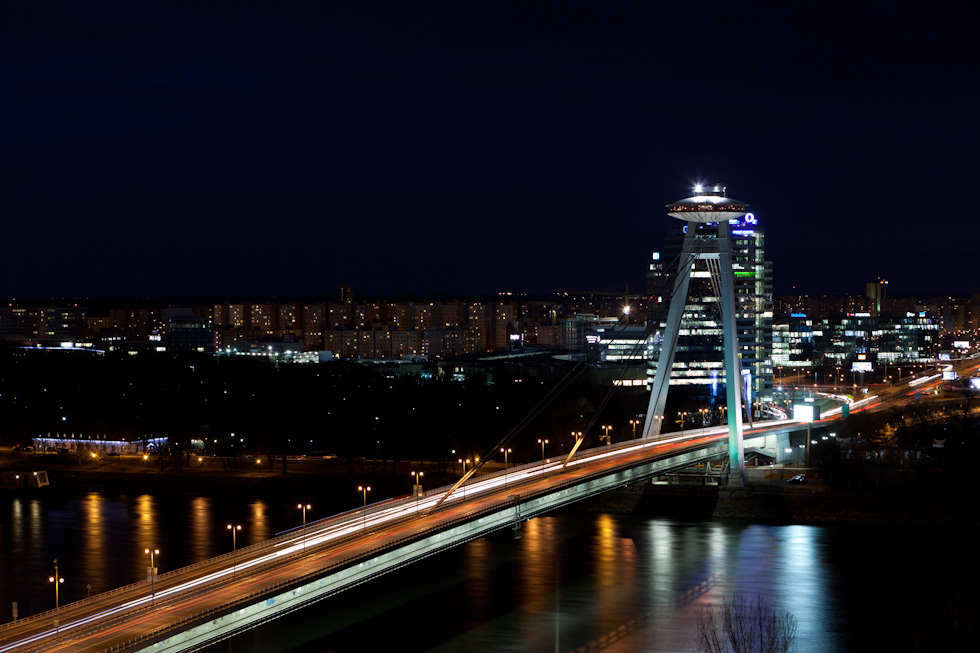
The Promote has many more functions, which I will describe here, as I try them out. So for now:
It’s not cheap. It’s not small. But it’s great for taking HDR photos. If you have a Canon camera and 3 shots are not enough for you, you should buy it.
I planed for so long to add a review of Photomatix and I never got to it. But now with the release of Photomatix Pro 5, I thought I finally do it. Also, you can view my HDR tutorial, where I describe how you can use Photomatix to edit you HDR photos.
Photomatix is currently probably the most popular and most widely used HDR tone-mapping software. If you are only a beginner, you also probably heard that this is the program to start with, and that also what I did.
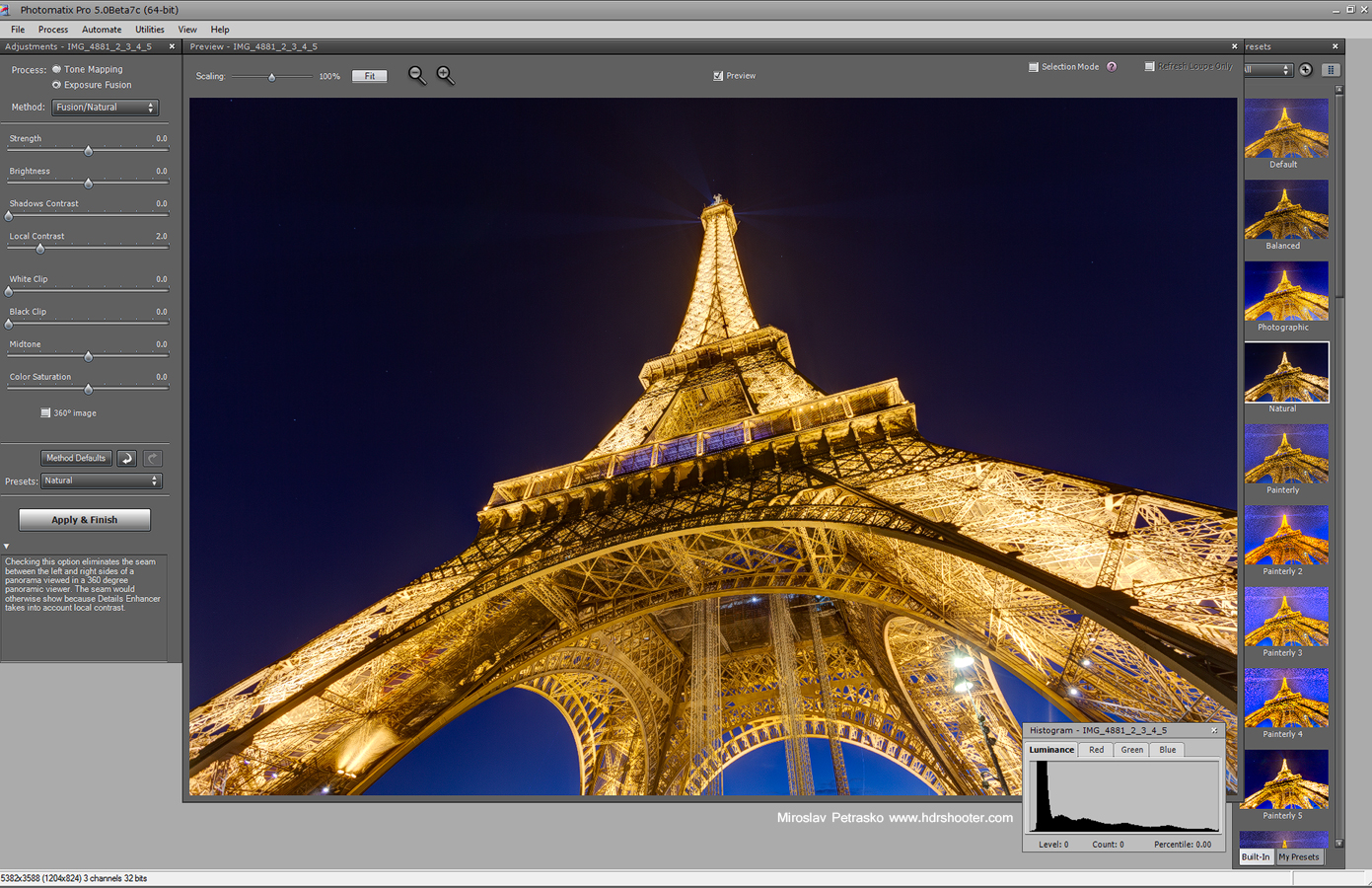
Photomatix is actually a collections of multiple tone-mapping algorithms, each one giving you different values to adjust and much different results. You can start from scratch or use any of the provided presets. Additional to this, Photomatix allows you to add a final touch to the photos, like contrast or sharpness.
In most of the older versions, Photomatix results were mostly towards the artistic side, but with the latest iteration, the new algorithms create a more realistic result.
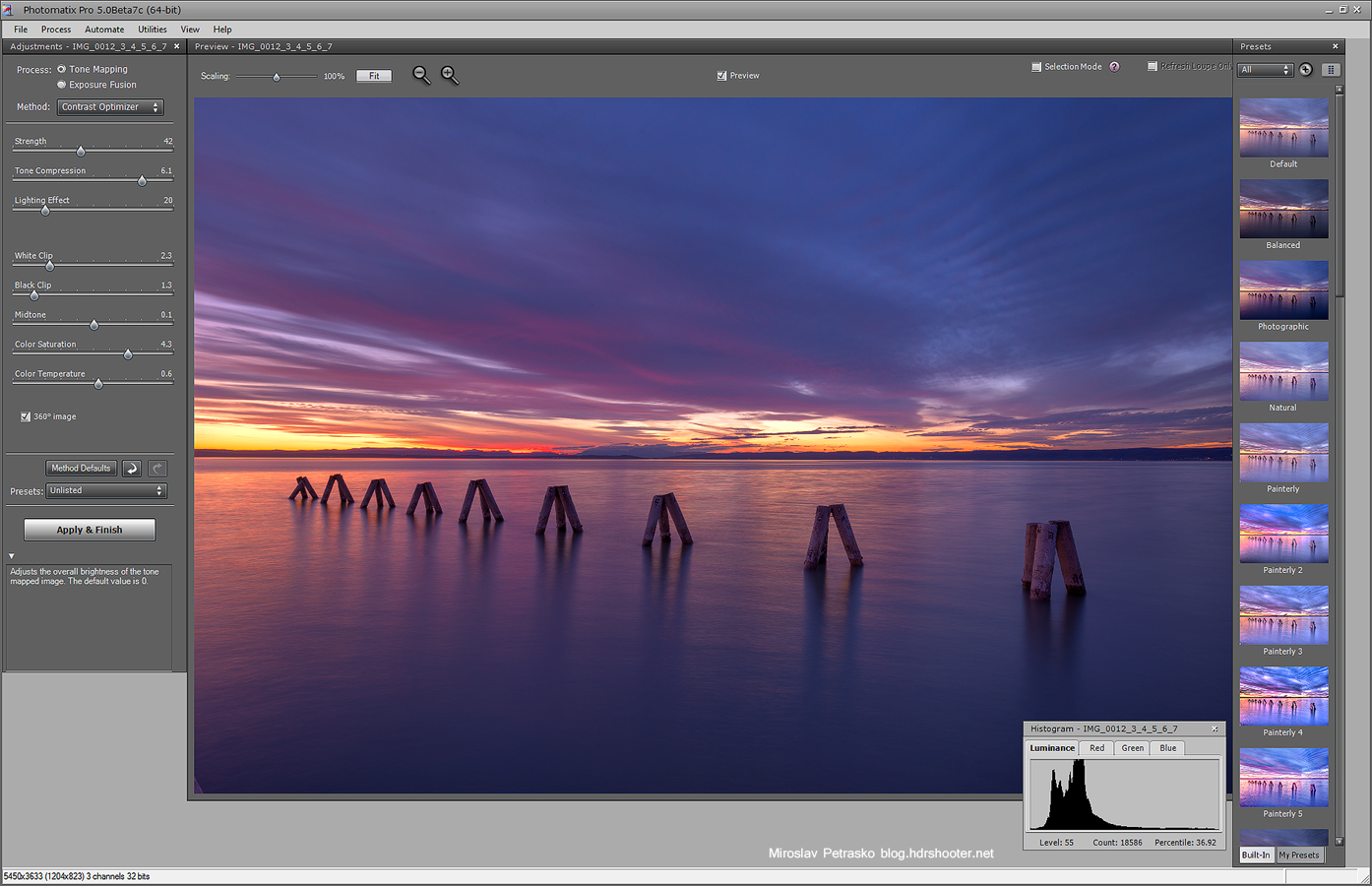
I’ve been using Photomatix for multiple years now and and it’s still a part of my workflow (even if not such a big as before). From all the tone-mapping programs I used, it can deal the best with extreme differences in brightness, especially photos with sun in them. It also created the most evenly lit image, if you find the right settings. Photomatix can also create a lot of local detail, which is great if you are going for a grunge look for your photos.
Working with Photomatix is not that straightforward. You can’t really tell what you will get when you start with it. It’s a lot about experimenting, and trying all the different algorithms and adjustments. After a while of using it, you will get an idea what the different sliders do, but I don’t think you will be able to predict the result you get.
Another great thing about Photomatix, it’s the ability to light up handheld shots very accurately (in some occasions it’s much better than Photoshop) and also a great way to remove ghosting from images. You can also just select out the ghosted areas, which is much better than having it work with the image as a whole.
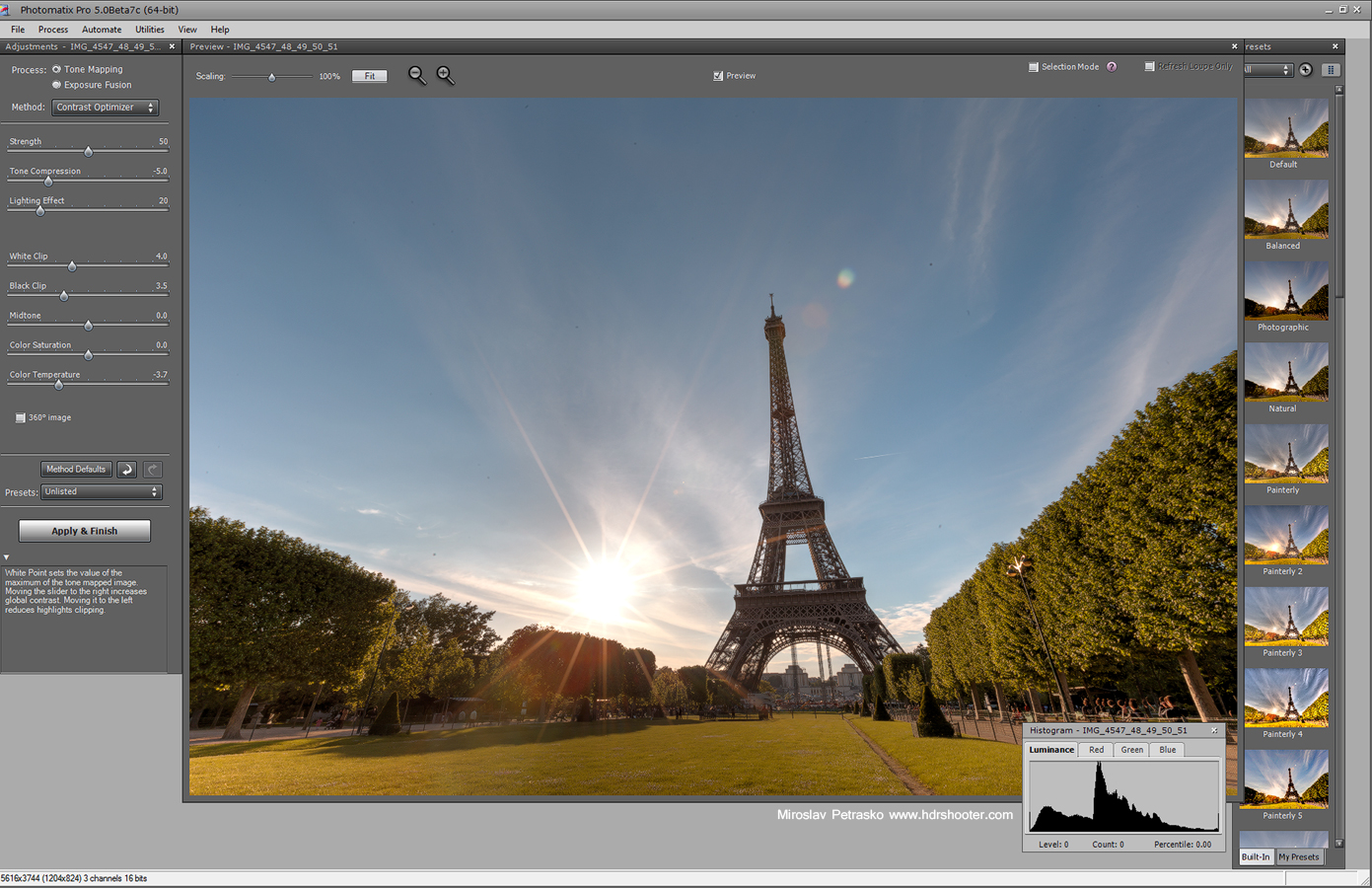
Of course not everything is great. The algorithms are not the fastest and sometimes you wait few seconds for a change to take effect even on fast computers. The loupe still does not show the real preview and until you process the image, you don’t see the real result. The algorithms also can create a lot of additional noise and make the photo a little softer.
Overall, if you want to use HDR in you photos, this is one program you should have in your arsenal. It takes some time to get good results from it, but the time you spend experimenting is worth it. Also I suggest you never use the result as the final photo. Blending it with original exposures is always advised.
For more info, please check out my HDR tutorial, where I describe how to use it, and the Photomatix page. Also for all those who think of buying it, you can use the code “HDRSHOOTER” for a 15% discount.
View all my other reviews here.
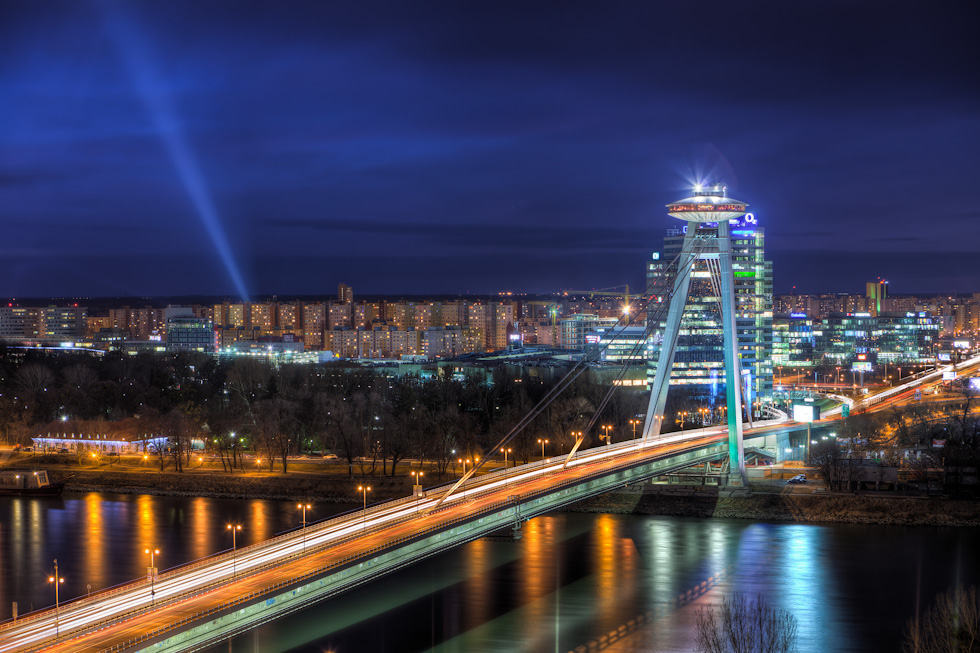
And here are few of my photos where I used Photomatix for the initial blending:


I’m working on moving this blog to my own hosted domain, hopefully really soon. So there will be a completely new theme, more info on the photos, more before/after shots and similar :) If anyone has any ideas, what else I should add, let me know :)
There are so many beautiful places in Madrid. I think I could spend weeks and months just taking more and more photos :)


