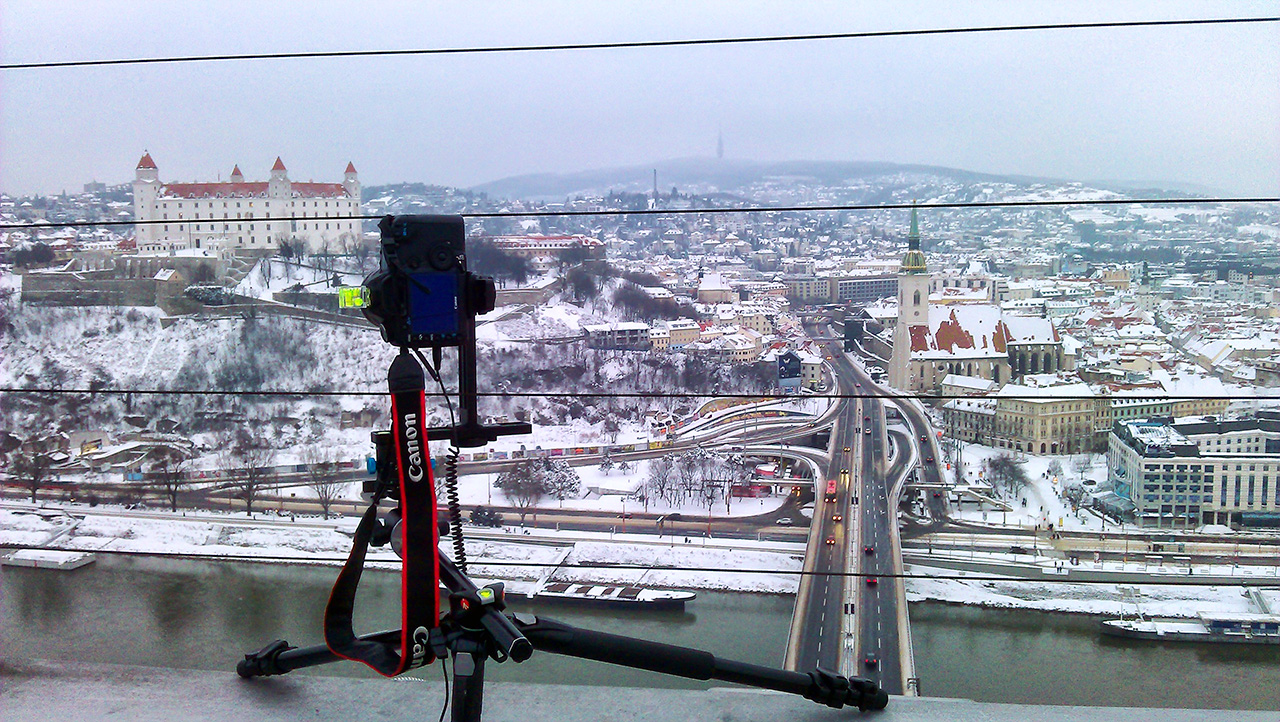
winterpanoIt was quite cold yesterday in Bratislava, but not snowing and almost no wind. So I just could not let it be, and went out to take some nice winter panorama shots. On the right you can see my panorama setup. The camera is actually on the other side of the cables, hanging over the bridge :)

And the daily photos is a 6 tile panorama, each tile from 4 shots (I took 6, but in the end I used only 4). The result was a 92Mpix image :) And so I can show you also all the amazing detail, a photo this big had, there is a new feature on this blog. Open the full post by clicking the title or “view full post” under the photo, to view a zoomable version of the photo :). I suggest switching to full-screen while viewing it (first button from right under the photo).
Winter Wonderland

Blue clouds and the castle

Let’s continue with my manual blending attempts. Until now I have been only able to successfully blend blue hour shots. Don’t really know why :) But I hope it gets better with each blended photo.

I used 7 exposures here, all combined in Photoshop and then finalized in Photoshop and Lightroom.
Blue clouds and the castle

Frozen reflection

Another very soft blend. I blended this photo from three images, but I only used a +2 exposure to brighten the middle and the ice a little bit and a -2 exposure to darken the windows. Worked out very well :) Btw. this photo was taken a year ago. Lake Kuchajda is probably frozen right now, but there is no chance for a blue sky :)
Frozen reflection

First blended panorama

I’m continuing my attempts to learn manual blending of images. This time I went with a manually blended panorama from 4 sets of 6 brackets. Didn’t even take so long to blend, just the final touches took a long time :)
First blended panorama

Most asked questions

I get asked a lot of questions about my photos, and they are usually the same :) So here are my replies to most asked ones :)

How do you edit your photos?

I mostly use HDR tonemapping using Photomatix and finish up my photos in Photoshop and Lightroom. Check out my HDR tutorial to see the details

Where did you take that photo?

To see the (almost) exact location for all my photos added this year, just find the relevant post on this blog. Under each photo you can find the location on Google maps. If you click on the Google logo, it will open a new window with Google maps and that location centered.

What camera and gear do you use?

I currently use a 5D mark II. For the complete list of my gear, check out the My gear page.

What were your settings with this photo?

If you want to know what were the settings, just find the relevant post, open it and under the photo is a list of all the camera settings. Or you can go to my smugmug portfolio, and there if you hover over a photo, you get a Photo information button. Click on it and all the relevant exif data is shown.

How many brackets do you take?

Simple answer, as many as I need :) But usually it is 7, that’s my default value :)

versions

Earth vs. the Flying Saucer

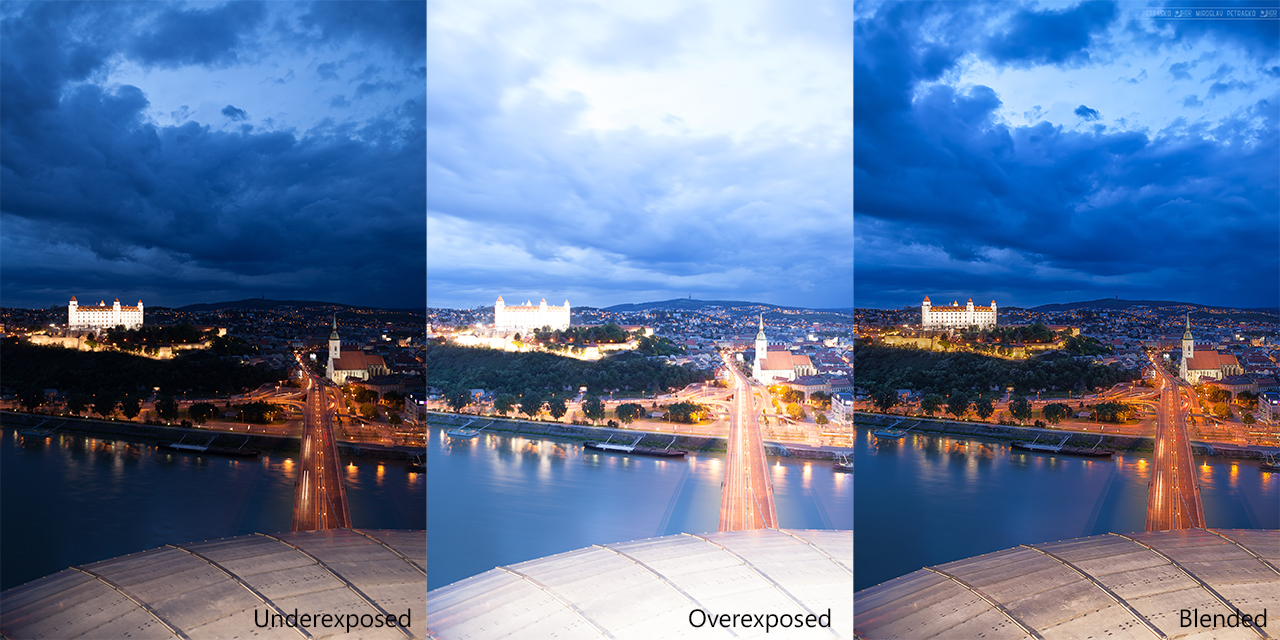
Looks almost like a view from an UFO, invading Bratislava :) Actually it is a view from a restaurant called UFO :) This is another of my experiments with manual blending. Here I used two images, which were combined using masks in Photoshop, with some additional steps done after that (contrast, noise reduction, sharpening). For the comparison, here are the two original shots, that I used:


and here is the final result
Earth vs. the Flying Saucer

FREE EBOOK!!!
Subscribe to my newsletter and get a free Capturing fireworks ebook. 
Subscribe