Free HDR video tutorial

Free HDR video tutorial

MASTER EXPOSURE BLENDING

Find the best ones

Find the best ones

TOP PHOTOGRAPHY SPOTS

Free wallpapers

Free wallpapers

HIGH-RESOLUTION WALLPAPERS

Welcome to my new blog

Hope you like it here. After two years I’m leaving wordpress.com in favor of a self hosted wordpress site. This gives me the oportunity to add more stuff to the page, and have it more “my way”.

As you can see, I selected a new theme for this blog. I think its more cleaner than the old one and  showcases the photos much more. It’s not wider than the old one, but it has bigger photos.  If you look over the page, you will see, that there is less info by the photos, but don’t worry. If you view a full post you will see  the detailed information on used gear and my camera settings. Each post now also includes a map, with the location, where the photo was taken.

And don’t forget my favorite new feature, the before/after comparison. Each post in this category includes a comparison between the normal photo (0EV exposure) and my final HDR. Just select the big before/after button on the right, to see which posts include this comparison.

I’m still working on the new site, so there will be more changes as I add them. If you find anything that is not working, please let me know.

Thank you for all your visits, comments and support, I hope you all like this new blog :) 

The old blog (hdrshooter.wordpress.com) will be updated for the next few days, and after that I will turn on a redirect, so it points to the this one.

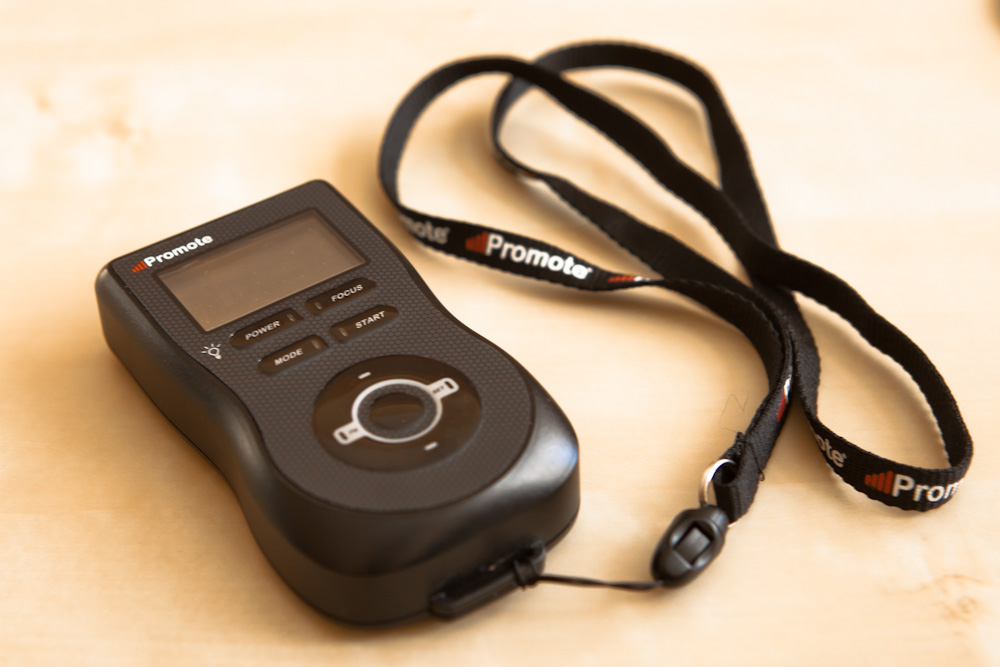
Testing the Promote

I have the Promote remote for a week now and I have been testing it quite a lot. And i decided to try it on one of my favorite views in Bratislava, the view of the New Bridge. I did 7 shots here. I could use even more, as still there are few overexposed areas. But still, I’m very impressed with the amount of detail you can get when using more than 3 shots.

Testing the PromoteI have the Promote remote for a week now and I have been testing it quite a lot. And i decided to try it on one of my favorite views in Bratislava, the view of the New Bridge. I did 7 shots here. I could use even more, as still there are few overexposed areas. But still, I'm very impressed with the amount of detail you can get when using more than 3 shots.

Last night in Madrid

This was taken the last night I was in Madrid. My friends decided to visit a gallery, but I preferred a place where I could take photos. This was again a scene like created for a HDR. The whole bottom part is very light, with the building and the base of the statue very bright. On the other side, the sky was dark, and the statue has no lights pointing to it. But with HDR I got both.

Last night in MadridThis was taken the last night I was in Madrid. My friends decided to visit a gallery, but I preferred a place where I could take photos. This was again a scene like created for a HDR. The whole bottom part is very light, with the building and the base of the statue very bright. On the other side, the sky was dark, and the statue has no lights pointing to it.  But with HDR I got both.Get more info about this photo on my blog https://www.hdrshooter.com

About this page

As I created this page, I seen wordpress pages using a lot of plugins that I like, but I could not find which plugins they were. So to maybe helps some of you, here is a list of what I use on this page:

  • WordPress – the whole site is a classic wordpress instalation
  • ProPhoto theme (no longer used) – the theme I use is a ProPhoto theme. You can find info about it here http://www.prophotoblogs.com/
  • Phrase theme – the new theme, currently used, more info here http://themeforest.net/item/phrase-responsive-wordpress-blog-theme/4265568
  • Before/After Pictures – plugin used to show comparisons between original and HDR images
  • Google Maps v3 Shortcode – plugin used to insert the location maps into posts
  • Social Media Widget (no longer used)plugin for the social media icons on top of the sidebar
  • Zilla Social – plugin for the social media icons on top of the sidebar
  • Zilla Share – plugin used for the share buttons in each post
  • WordPress Popular Posts – plugin used to show the list of popular posts in the sidebar
  • Related Posts Thumbnails (no longer used) – used to show the related posts on each post page
  • Generate Post Thumbnails – used to generate thumbnails all at once
  • Use Avatar – used to add an avatar image to the user profile

ProPhoto theme Discount code

If you like the theme this site used, the ProPhoto theme, you can use this discount code MPET8715 ang get a 10$ discount on it :)

Info about the theme and prices can be found here http://www.prophotoblogs.com/

ProPhoto theme

Page evolution

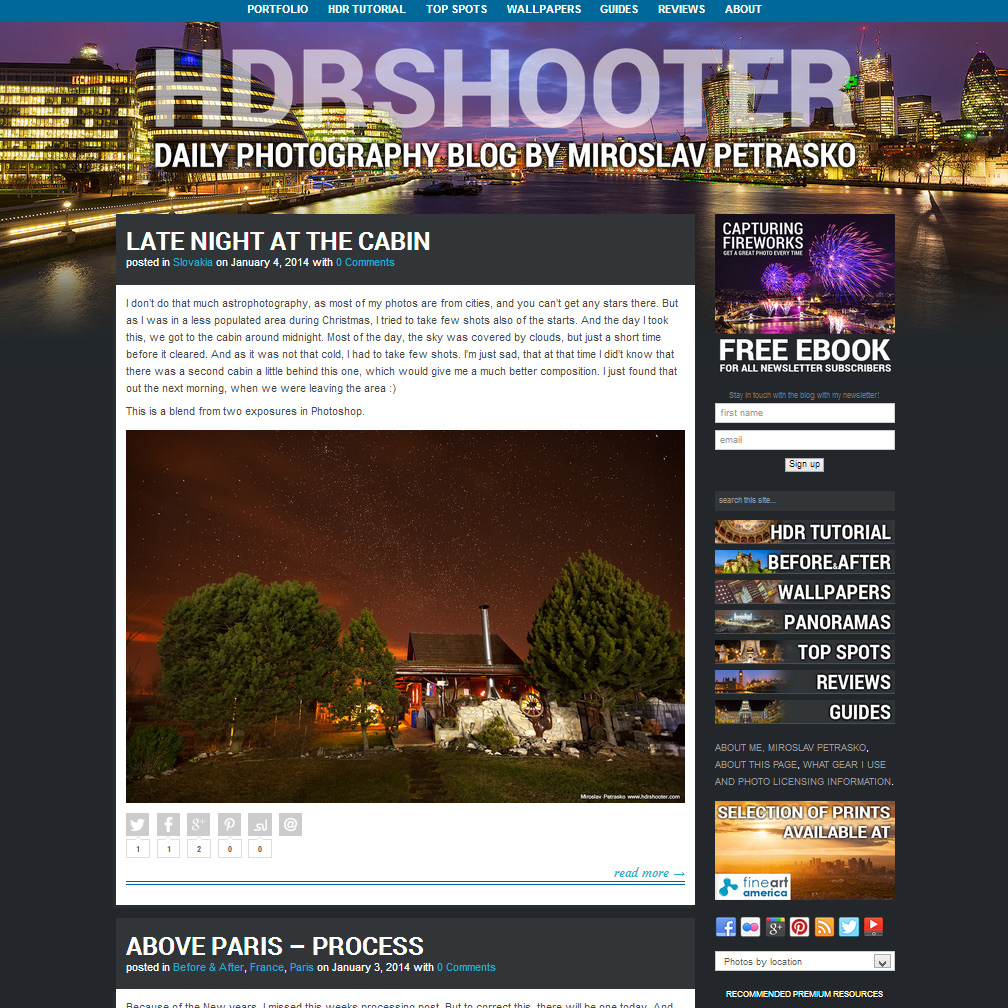
This is a little look at all the versions of my blog, how it looked over the years  :)

First
second
third
forth
pagescreen2013

I tend to use a lot of software and camera gear, so I thought I share with you my thoughts on them. My reviews are short, and I try to show what the software/hardware is good for, how I use it, and how it may be useful in your workflow. In the case of some of them, I also have discount codes, that you may use, if you decide to buy the product, and you can find them at the end of the review.

I hope you find them useful.

Programs & Plugins:

Hardware:

Various gear:

Online Services:

  • Smugmug – place to create you own portfolio website
  • Moo cards – a service to create your own business cards


To see what software and gear I use, please visit the My Gear page
Behind the camera Just a shot of my camera :)

Last night in Madrid

HDR tutorial (ver. 1.0)

I have split this HDR tutorial into multiple parts. Now I’m adding the third part, with the others coming later. So at the end there will be all this:

What is HDR?

Let’s make it as simple as possible. HDR is a way you combine multiple shots, so you have no overexposed areas and detail in dark areas. That’s all you really need to know.

A lot of people think about HDR’s as these overdone, unnatural photos, which have nothing to do with reality. I call those photos with a “HDR look”. They can be created from any photo, and have really nothing much to do with HDR. I have seen good ones, and bad ones, it’s a lot about the viewers´ taste and preference. Also some of the HDR results, can be created without using the HDR technique. It’s again the photographers decision what he uses (like he can use a Canon or a Nikon camera, but the result is still a photo :) )

There is a certain aversion against HDR photos. But everyone should understand, that HDR is a technique, a part of the final photo. And it depend’s on the photographer, how the final photo looks. HDR on it’s own does not make a good or a bad photo.

I get quite a lot of questions, if my photos really are HDR’s. That’s because people expect that the HDR mentioned look from them. But that’s not my goal. My goal is to find the sweet spot, between artistic and realistic photos, so I like them.

Old Bridge

Why HDR?

Again, this is very simple. You can’t always set up your light sources. Especially when you only light source is the sun. HDR gives you the option, to capture all the available light and then expose all parts of the photo as you like.

It removes some limitations all current cameras have, and gives you more to work with in post-processing.

At the end it’s your decision. Same as with all photography techniques, starting with HDR is easy, creating a good looking HDR photo is quite hard. So don’t be discouraged, if you can’t get the results you want. It take time and practice.

Feel free to ask any questions and if you find some errors or problems with my HDR tutorial, please let me know.

So lets start with how to take your photos for HDR

And here are few examples of finished HDR photos:
The stunning view
St. Martin's Cathedral at night
Inside the Matthias Church
The blue sunset in Prague
Relaxx and enjoy the sunset

FREE EBOOK!!!
Subscribe to my newsletter and get a free Capturing fireworks ebook. 
Subscribe