

Free HDR video tutorial

Free HDR video tutorial

MASTER EXPOSURE BLENDING

Find the best ones

Find the best ones

TOP PHOTOGRAPHY SPOTS

Free wallpapers

Free wallpapers

HIGH-RESOLUTION WALLPAPERS

I love how easy it is to do panoramas with the tilt shift lens. No distortions, no need for special tripod head, no need to move the camera. Just shift to one side, that to the other, and it’s done :) I started to write a small review on the 17m TSE Canon lens, and probably will also do few guides on using a tilt shift lens, but don’t really know when. Still trying to catch up after the last trip, and another one is coming up in few days. This will be a busy year for me :)

This is a three shot panorama, edited in Lightroom and Photoshop.

I really would like to see a huge ship passing through the Pont Jacques Chaban-Delmas bridge. Could make for a great photo :)

This is a long exposure, taken with a 10 stop ND filter (Formatt-Hitech firecrast filter). Single exposure, edited in Lightroom and Photoshop.

Recently I changed to a new phone, and together with it I also got the Gear VR headset. So of course I wanted to try it out also with my own photos, but I did not really had any. So today I went to get some new 360 shots, and here is one of them. You can look around in it a little further down in this post, or if you have a VR headset, you can download the source image and view it directly.

For the Gear VR, you just have to:
– connect your phone to a PC
– find the Oculus folder in the root of the phone storage
– create a 360Photos folder, if it’s not there
– copy the photo into the folder
– put the phone into the headset, and open the Oculus 360 Photos app
– choose See all from the first selection and the My photos from the second
– choose the 360Photos folder and choose the photo you want to view

I have no idea how to do it in other VR headsets, as I only have the Gear VR, but I think it will be similar.

Here you can see the whole 360 panorama, created from 4 shots (8mm fish-eye lens). Edited in Lightroom, PTgui, Photoshop and Pano2VR.

Bratislava - Under SNP bridge 360

And here you can look around in it. Just use your mouse to drag the view around and use the mouse wheel to zoom in and out.

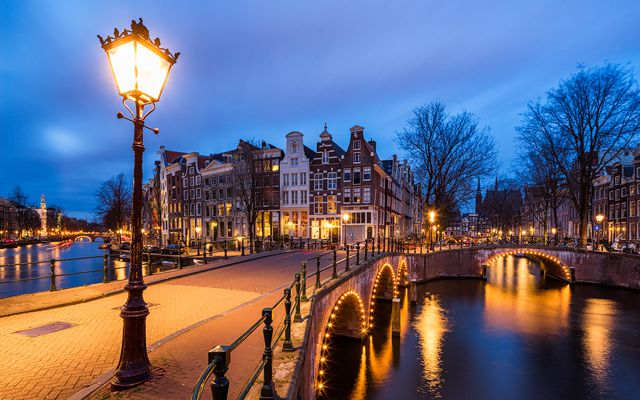
I really like this style of composition. Having the lamp included give the photo a very nice foreground element. One just has to be very careful not to catch many lens flares from the lamp, as that really easy, especially with strong laps as the ones in Amsterdam.

This is mostly a single exposure, with a second one used to darken few areas. Edited in Lightroom and Photoshop.
I had to add so much noise to the sky here, just to get rid of as much color banding as I could. The lights in the Eiffel tower create quite a strong glow around it, especially with low clouds as there were the evening I took this. I could see the color banding already on the camera screen. It would be so nice if we finally moved to 16-bit images, and of course 16-bit screen, to get rid of this, and make pictures looking so much better.

This is a two shot vertorama, with two additional shots used to darken few highlights on the tower.

FREE EBOOK!!!
Subscribe to my newsletter and get a free Capturing fireworks ebook. 
Subscribe