Free HDR video tutorial

Free HDR video tutorial

MASTER EXPOSURE BLENDING

Find the best ones

Find the best ones

TOP PHOTOGRAPHY SPOTS

Free wallpapers

Free wallpapers

HIGH-RESOLUTION WALLPAPERS

puAnd I’m back from Budapest. It was a great week, mostly with great weather, filled with great photo locations and meeting with great people. I’m just completely tired from the lack of sleep I had most of the week.

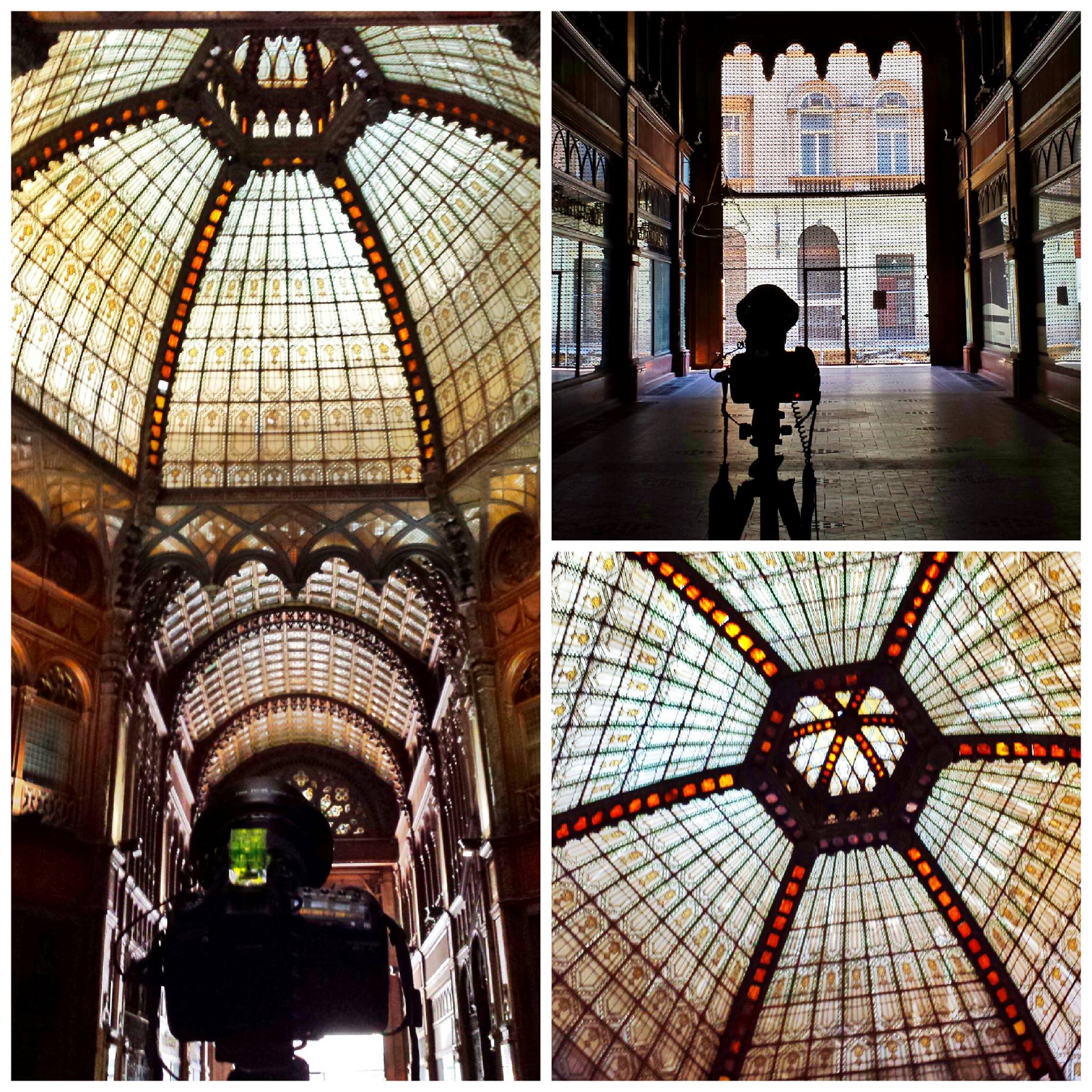
But not to miss a daily post, here is the first edited photo from this trip. This one was taken at the Parisi Udvar, a not used shopping street, which will hopefully be reconstructed. It just looks too good to let it be in this desolated state. You can see a behind the camera shot on the side. I posted a lot like this on FB during the week, and will also share few of them here.

This is a manual blend from 5 shots.
Parisi Udvar

While in Prague, I searched for a location I haven’t visited yet during sunrise. And the one that came to my mind were the castle stair. I just forgot how many stairs there were, which I got reminded of very quickly at 5 in the morning. But it didn’t stopped me and I got to the top of them to get a photo :)

This is a manual blend from 5 shots.
Castle stairs

It so great for photos, when the city center is right next to a river. You get so many nice reflection everywhere :)

This is a manual blend from 5 shots, taken in Dresden, Germany.
Hofkirche reflection

One just cant return from Prague without more photos of the Prague castle. It’s just so dominantly placed above the city. Anywhere you shoot, you just pass a nice view of it eventually.

This is a manual blend from 10 photos, two series of 5 photos combined into a panorama.
Prague

And it’s Monday again, so a new process post for you. Today it’s a little more complicated shots, as I used different techniques here.

So here goes. To take this shot:
The setting sun in Bratislava

I did the following. I took two series of 6 exposures. One normal, and one with my finger in front of the lens, to block the sun. At first I combined the original photos in Oloneo Photo engine to get this:
Sun-oloneo

after that I used Photoshop to blend it with original shots, and to correct the colors. So the layers I used, from bottom up, were:

1. Oloneo blended image
2. +1EV exposure from a second series, where I held my finger in front of the sun, to remove flares
3. Color efex glamour glow, used only on the clouds
4. high pass to add more details
5+6. separate color balance for the sky and the castle to remove the purple tint
7. added saturation to yellows
8. corrected colors on the trees newar the castle
9+10. added glow using a bluerd layer
11+12. brightened the dark areas to even the image
13. removed color cast from the whites on the castle
14. more color balance on the buidings, they were still too purple
15. added more blacks to the image
16. more brightening to the dark areas
17+18. Color efex Pro contrast, used more on the building and only a little on the sky
Sun-process

Continue to the full post, to see the original 0EV from both series.

FREE EBOOK!!!
Subscribe to my newsletter and get a free Capturing fireworks ebook. 
Subscribe